Intro to Offensive Security
Eleazer /
TASK 1 - What is Offensive Security?
TIP: Try to understand concepts deeply before referring to the answer
Offensive security

All of this is about simulating the action of a malicious hacker and reporting them before the actual hacker is able to exploit the vulnerabilities the ethical hacker found.
What do they hackers hack?
- Web applications (Websites)
- Infrastructure (Computers,Phones,IOT Devices)
- Cloud
- Networks
- Budlings and People (Testing an organizations security by breaking in and tricking people through social engineering)
Under offensive security there are 2 main branches: Penetration Testing and Red Teaming.
Pentesting involves hacking within set a scope the organization wants you to abide by when you are hacking which could be any of the systems mentioned above although its mainly Web applications, Infrastructure and cloud
Red Teaming on the other hand is simulated full on attack with no restrictions what so ever ussualy including the buiding itself, systems listed above and even the employees
Check these videos out to get an idea .
Red Teaming Watch the video on YouTube
Pentesting Watch the video on YouTube
On the other hand, defensive security is about protecting computer systems and networks from attacks. This involves looking for any signs of hacking, figuring out how it happened if something was breached, and keeping an eye on everything to spot any malicious activity. It’s like being a digital detective and security guard all rolled into one.
QUESTION:
Which of the following options better represents the process where you simulate a hacker’s actions to find vulnerabilities in a system?
Click to see Answer
Offensive Security
TASK 2 - Hacking your first machine
Let’s start by accessing the machine. Here’s a step-by-step guide:
Step 1 : Open the terminal
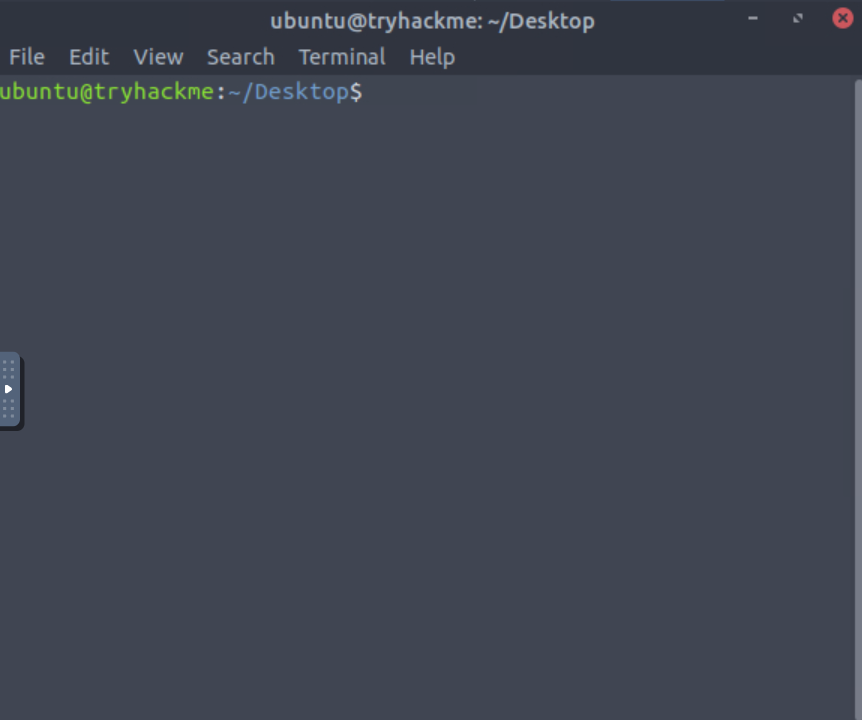
What is Terminal?
The terminal, also known as the command line or command prompt(CLI), is a text-based interface used to interact with a computer’s operating system. Imagine it as a conversation between you and your computer, where instead of clicking on icons or menus, you type out commands. Here’s an image:
What is GUI?
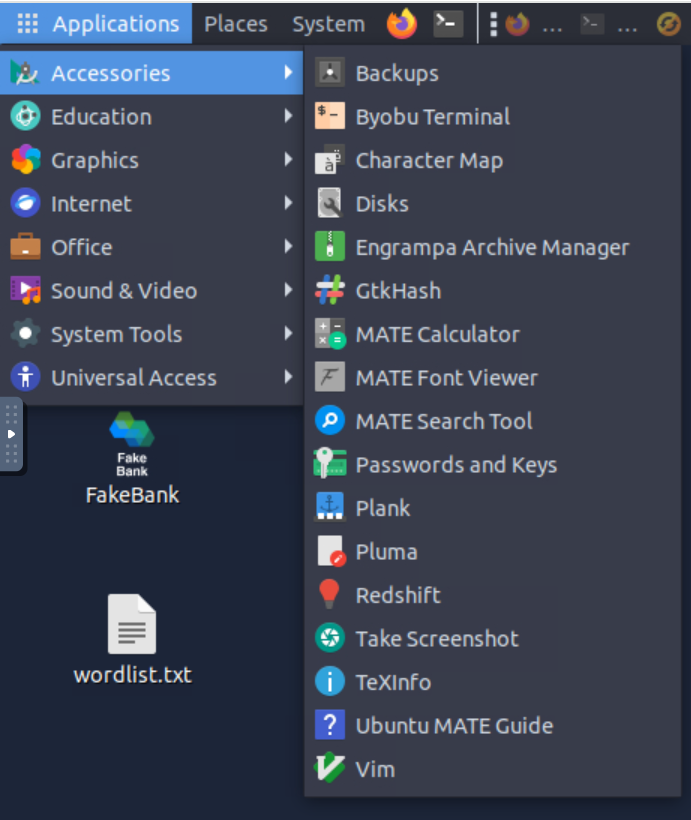
A GUI, or Graphical User Interface on the other hand is like the “face” of your computer that you interact with using visual elements rather than text commands. It’s what you see on the screen, including windows, icons, buttons, and menus, which you can click on to perform various tasks. Here’s an Image:
Step 2 Using Gobuster
The tool used in this task is called Gobuster which is a tool to find hidden parts of a website(known as directories) or servers that aren’t meant to be easily found. Think of it like a digital treasure hunt where you’re trying to discover secret doors and hidden rooms in a building.
Use this command: gobuster -u http://fakebank.com -w wordlist.txt dir
It scans the specified website (http://fakebank.com) for hidden directories(a folder) and files listed in wordlist.txt file. It identifies which of these directories and files exist on the server by sending HTTP requests and checking the server’s responses. In the results below we see the directories that where hidden.
/images/bank-transfer
ubuntu@tryhackme:~/Desktop$ gobuster -u http://fakebank.com -w wordlist.txt dir

=====================================================
Gobuster v2.0.1              OJ Reeves (@TheColonial)
=====================================================
[+] Mode         : dir
[+] Url/Domain   : http://fakebank.com/
[+] Threads      : 10
[+] Wordlist     : wordlist.txt
[+] Status codes : 200,204,301,302,307,403
[+] Timeout      : 10s
=====================================================
2024/06/20 12:38:08 Starting gobuster
=====================================================
/images (Status: 301)
/bank-transfer (Status: 200)
=====================================================
2024/06/20 12:38:16 Finished
=====================================================
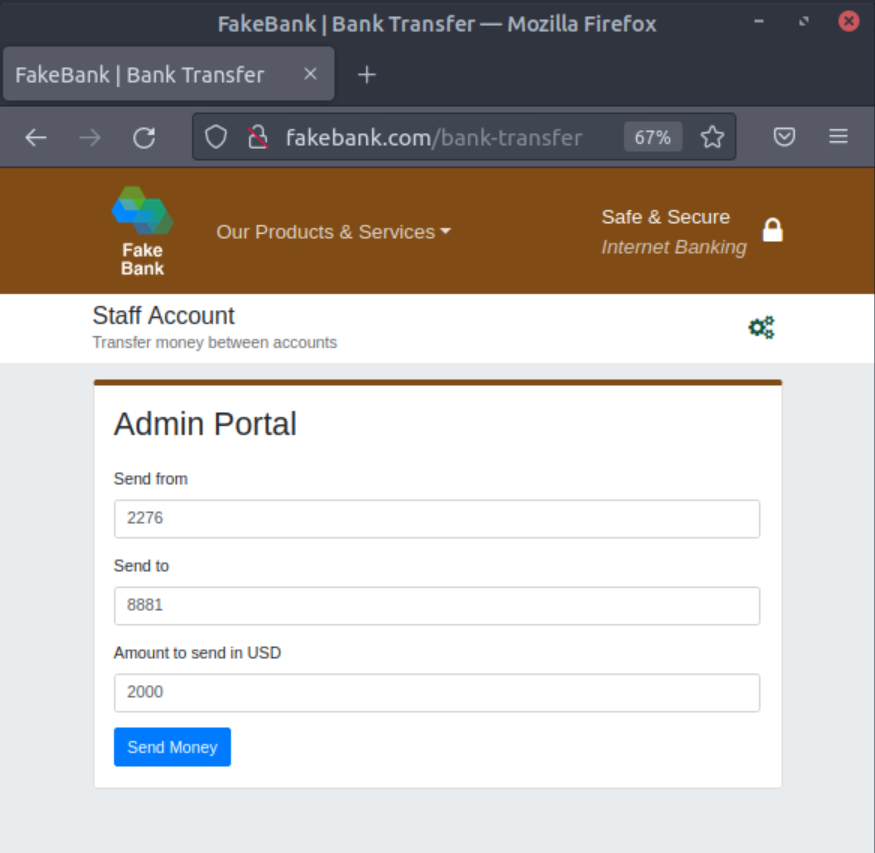
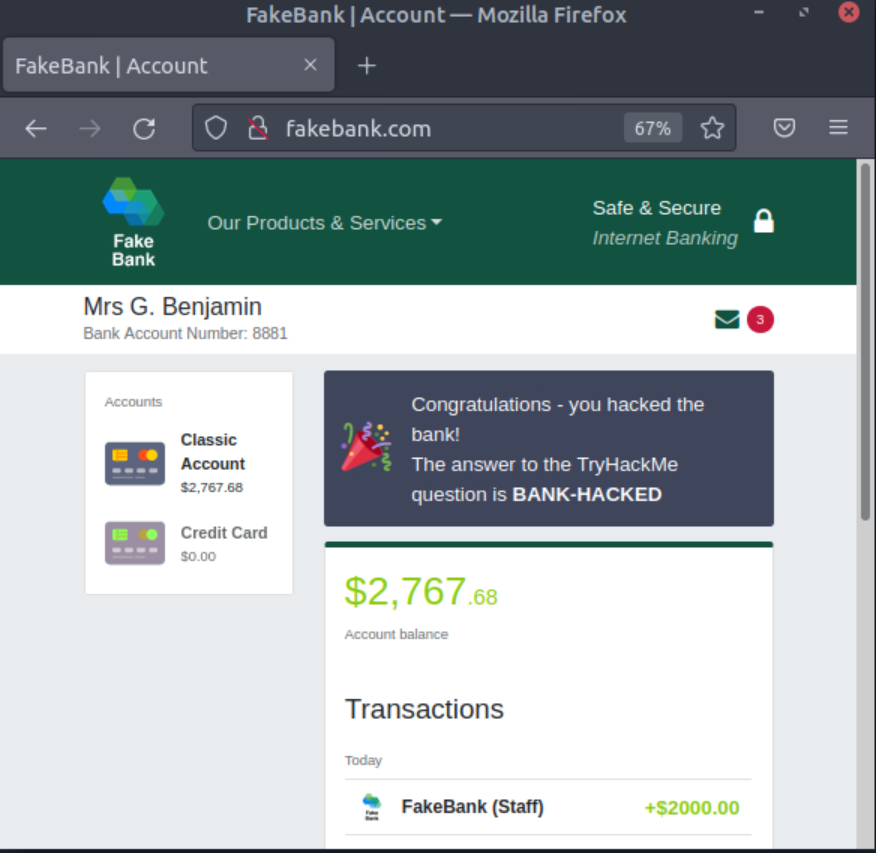
Now that we’ve got the path that allows us to send money key in the path search add the path to fakebank like in the screen shot . When you find it and type in the account number and 2000$
 Click on send money and you should see this message:
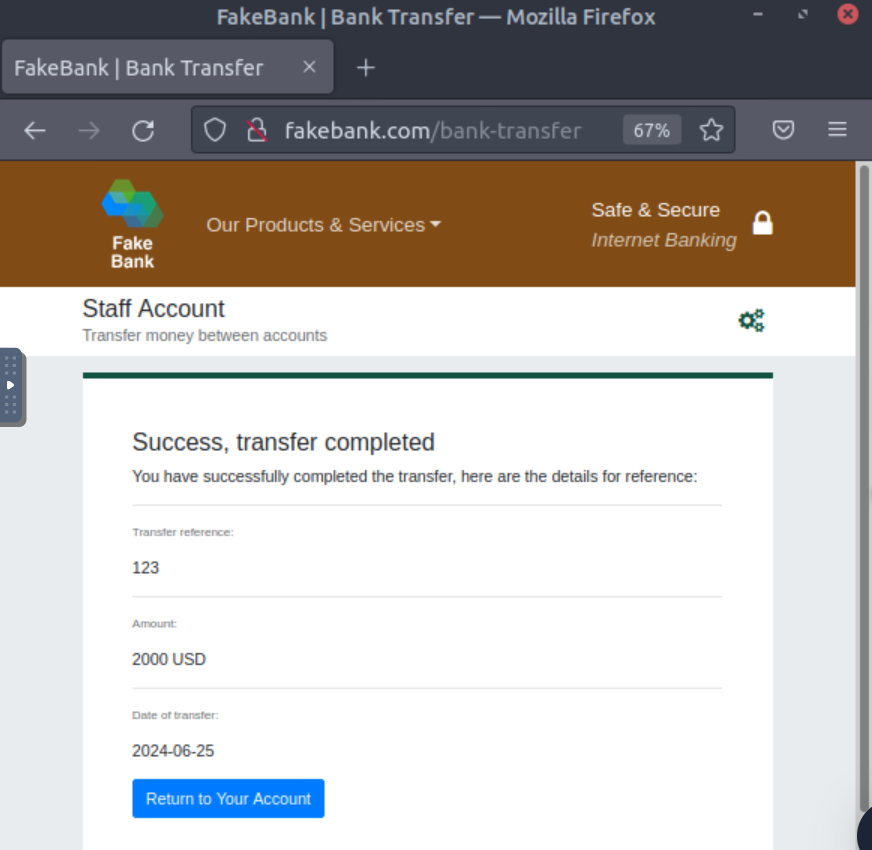 Return by clicking on Fakebank icon or going back.
Thats it!🎉
TASK 3 - Hacking your first machine
Read up on the role descriptions, those are the main offensive roles
This room explores offensive and defensive security concepts. Offensive security involves simulating hacker actions to identify system vulnerabilities before real attacks occur, while defensive security focuses on protecting systems and detecting breaches.
Gobuster is used for finding hidden website directories/pages
CLI: A text-based interface for interacting with the operating system by typing commands.
GUI: A visual interface that allows interaction with the operating system using graphical elements such as icons, windows, and buttons.
That’s this room done. Doing a few minutes or an hour a day will accumulate over time if you keep at it. See you in the next room…